About Yonder
Flight tracking built by pilots.
Yonder is the evolution of Planes.FYI. We build flight tracking apps for people who watch airplanes, fly them, or want to understand what’s happening overhead.
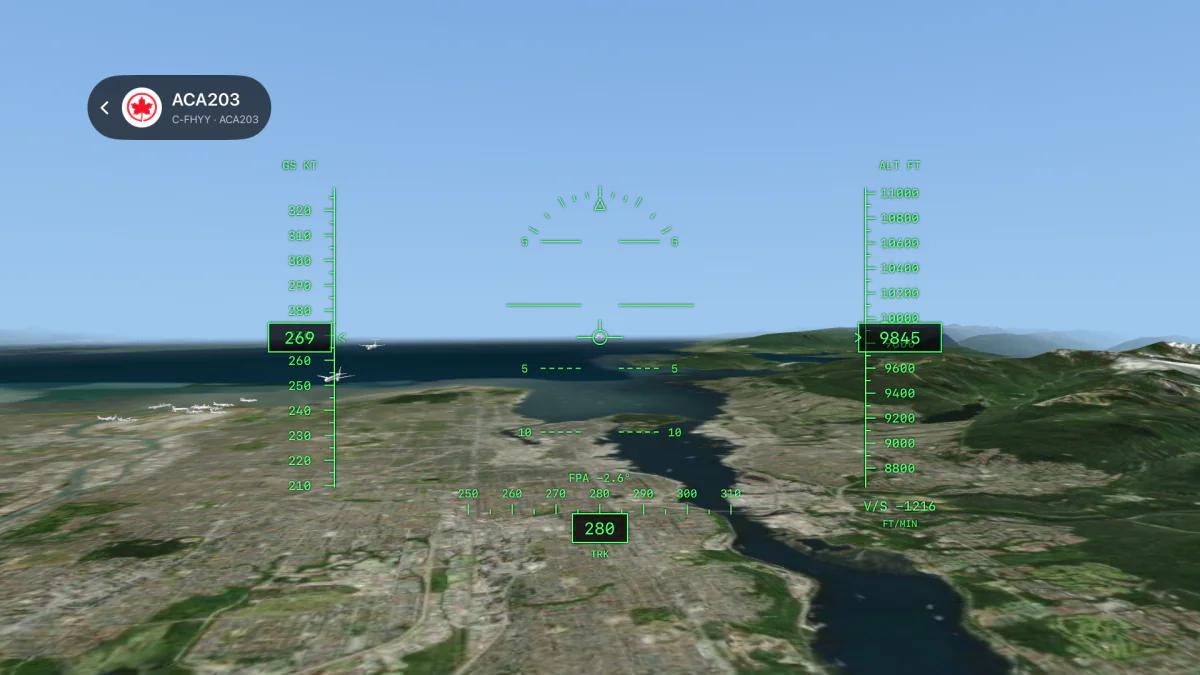
Before Planes.FYI
The story began with growing up near an airport and watching aircraft take off and land. That interest became a career in the cockpit, then a reason to build something for the people still looking up from the ground.
Planes.FYI set out to make aviation easier to explore. Seeing an aircraft’s height, path, and position over real terrain helps explain a flight in a way a flat dot on a map can’t.
Read the original Planes.FYI story ↗From Planes.FYI to Yonder
- 01
An interest in aviation
Watching aircraft around an airport led to flying them, and a wish to make that experience easier for others to understand.
- 02
Planes.FYI
Live 3D tracking, airport layouts, aircraft information, and weather brought that idea to the web.
- 03
Apps on more screens
The project now includes iPhone, iPad, an Apple Watch companion, and Apple TV, with an experimental experience for Meta Ray-Ban Display.
- 04
Yonder
Planes.FYI has evolved into Yonder. The name has changed; flight tracking built by pilots remains the focus.
Understanding the flight
Where is that airplane going? How high is it? What kind of aircraft is it?
Yonder brings aircraft positions, flight paths, and aircraft details together. On the live map you can follow a flight, explore an airport, or look at the airspace around you.
The airport pages add runway layouts, weather observations, forecasts, and radio frequencies. The information is there to help you explore and learn.
Explore the live map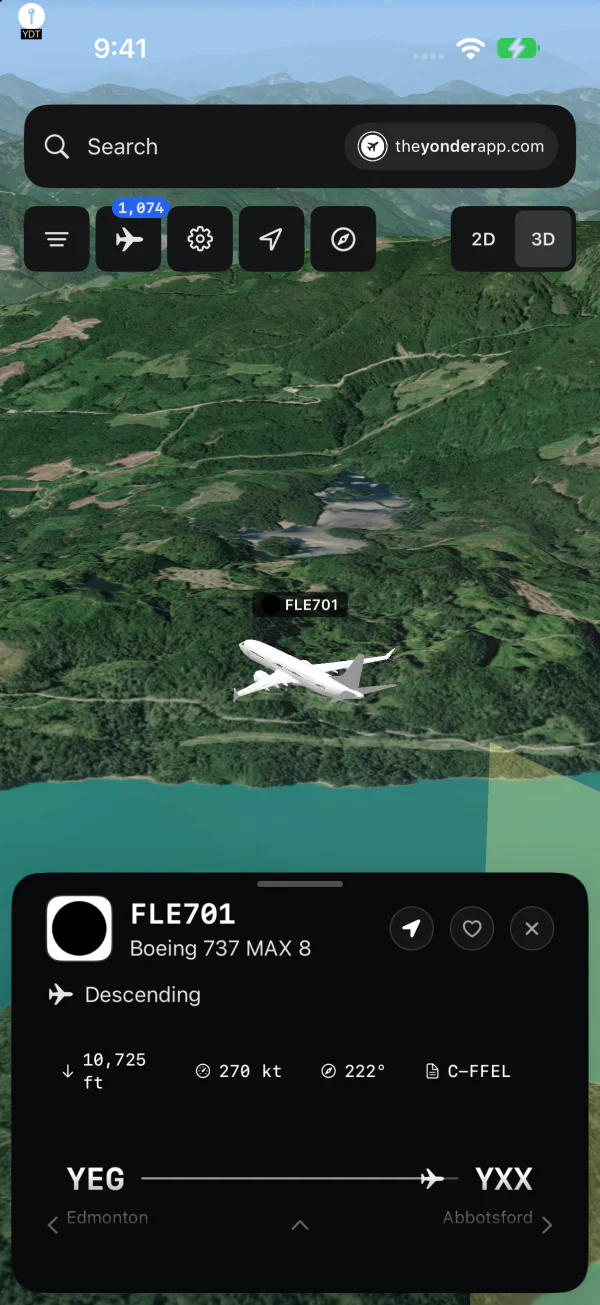
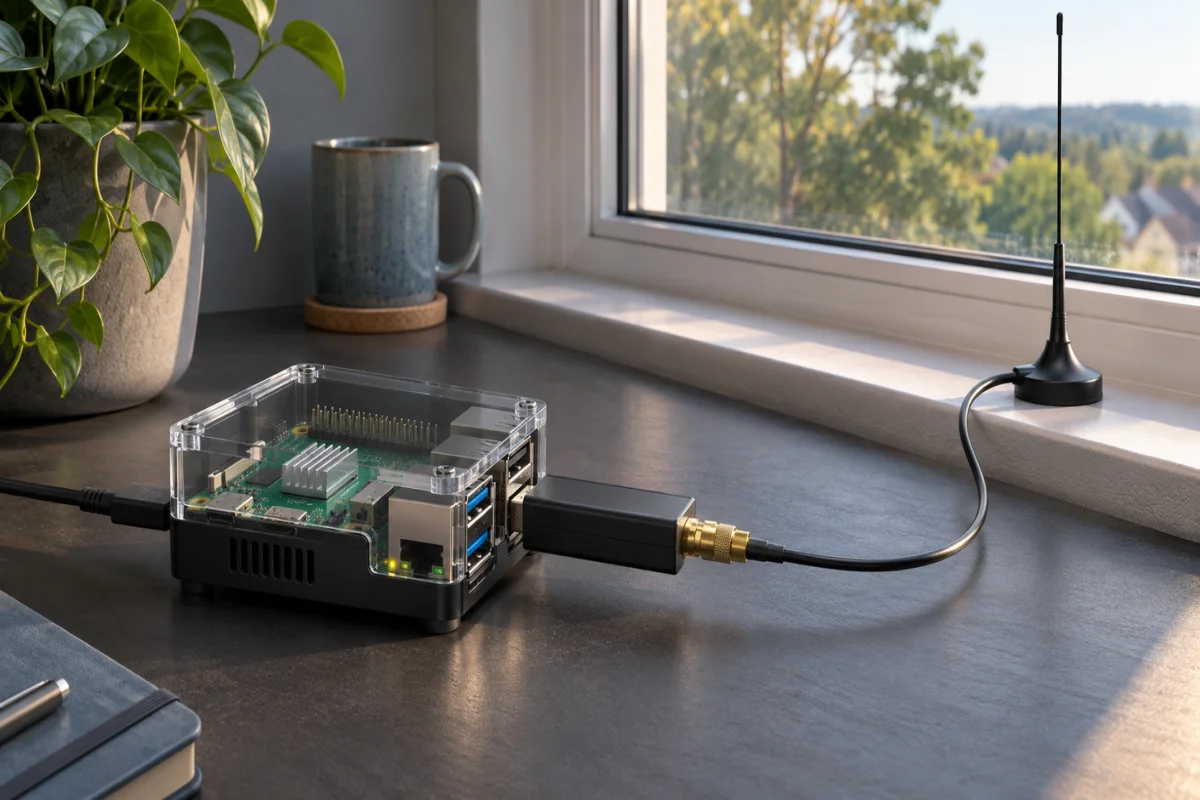
Receivers on the ground
Flight tracking starts with receiving data from aircraft. An ADS-B receiver can use a small computer, a radio, and an antenna to pick up those broadcasts.
Yonder’s contributor program lets people connect a new receiver or add Yonder to an existing setup. ADS-B, ACARS, and ATC audio contributors each help build out coverage.
Contribute to Yonder ↗Where you can use Yonder
iPhone, iPad & Apple Watch
Track flights and explore aircraft and airports, with an Apple Watch companion.
View on the App Store ↗Apple TV
Follow aircraft in 3D on a larger screen, including cockpit and follow views.
View on the App Store ↗Meta Ray-Ban Display
An experimental web app for finding aircraft in the direction you’re pointing. Physical glasses support is still being tested.
Try the prototype ↗Built by Radical Sloth
Yonder is built and maintained by Radical Sloth, the studio behind Planes.FYI.
Questions, feedback, or something you’d like us to build? info@theyonderapp.com
Aircraft artwork credits ↗
Download Yonder
Flight Tracking Built By Pilots.