 Yonder
Feed ADS-B
Connect your 1090 MHz receiver to Yonder’s live aircraft network.
What you need
- An always-on computer such as a Raspberry Pi 4, with power, storage and internet access.
- A 1090 MHz USB receiver such as the FlightAware Pro Stick Plus.
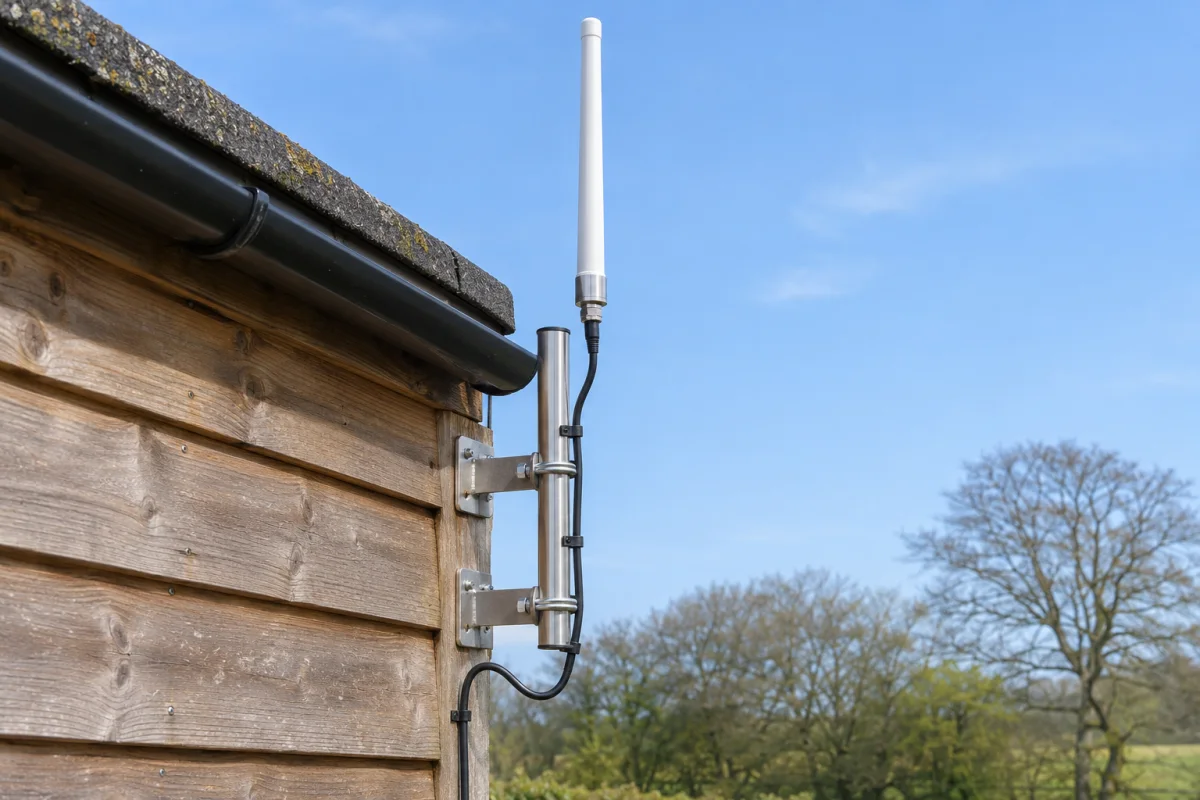
- A 1090 MHz antenna and matching coax or adapters. Start with an upright antenna by a window with a clear view of the sky.
Connect your receiver
- Set up Ultrafeeder or readsb and confirm that it sees aircraft locally.
- Run
uuidgenonce and save the result as your station identifier. - Append the line below to your existing
ULTRAFEEDER_CONFIG, separated from other destinations by a semicolon. Substitute your saved UUID, then recreate the container using your normal Compose workflow.
If you use ADSB.im, follow the ADSB.im connection steps on your current installation.
adsb,feed.skystackaviation.com,30004,beast_reduce_plus_out,uuid=YOUR-STATION-UUIDFor standalone readsb, add this to its network options and restart readsb.
--net-connector=feed.skystackaviation.com,30004,beast_reduce_plus_out,uuid=YOUR-STATION-UUIDSend observations from your own receiver. The UUID identifies your station and is transmitted over plain TCP. The connection is outbound, so your router needs no inbound port forwarding.
Check your feed
Check the decoder logs for a connection to feed.skystackaviation.com:30004 and verify local aircraft are still updating. For confirmation on Yonder’s side, send us your station UUID and the approximate time you connected.
Once you’re feeding Yonder, claim your free lifetime Premium.